
Self-hosted · open source · MIT
Your net worth, budgets and investments. On your own machine.
Track net worth across every account, asset class and currency, keep monthly budgets, run simulations, and let an AI assistant import your bank statements. One SQLite file on your machine, passkey sign-in.
Watch the full demo
Every section of the app, recorded from a real install with demo data: accounts in several currencies, a brokerage, a mortgage, and an assistant importing a statement.
Tour each section
Short clips, each with the page that explains how it works.
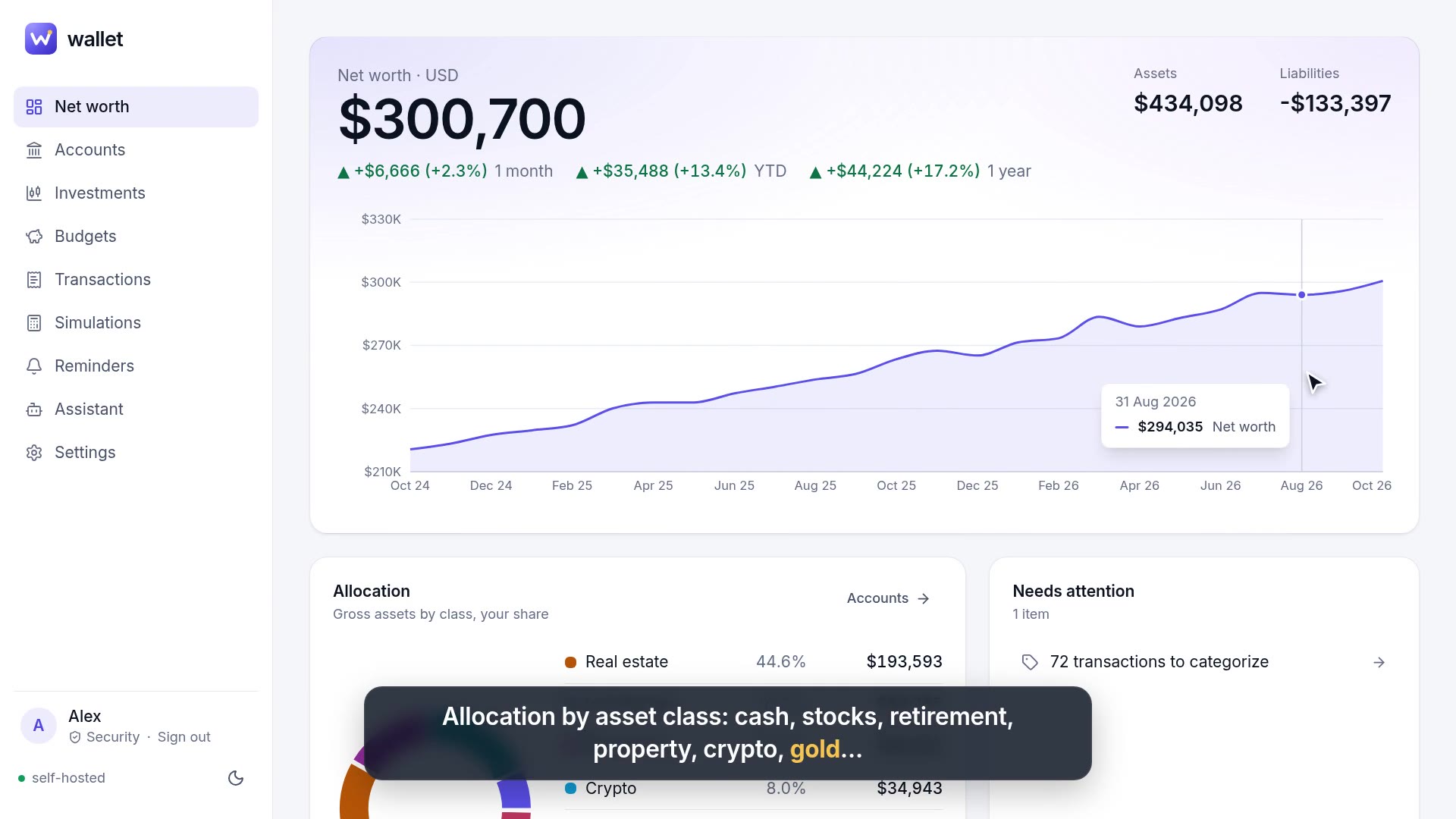 Net worthEvery account in one number, with history and allocation.
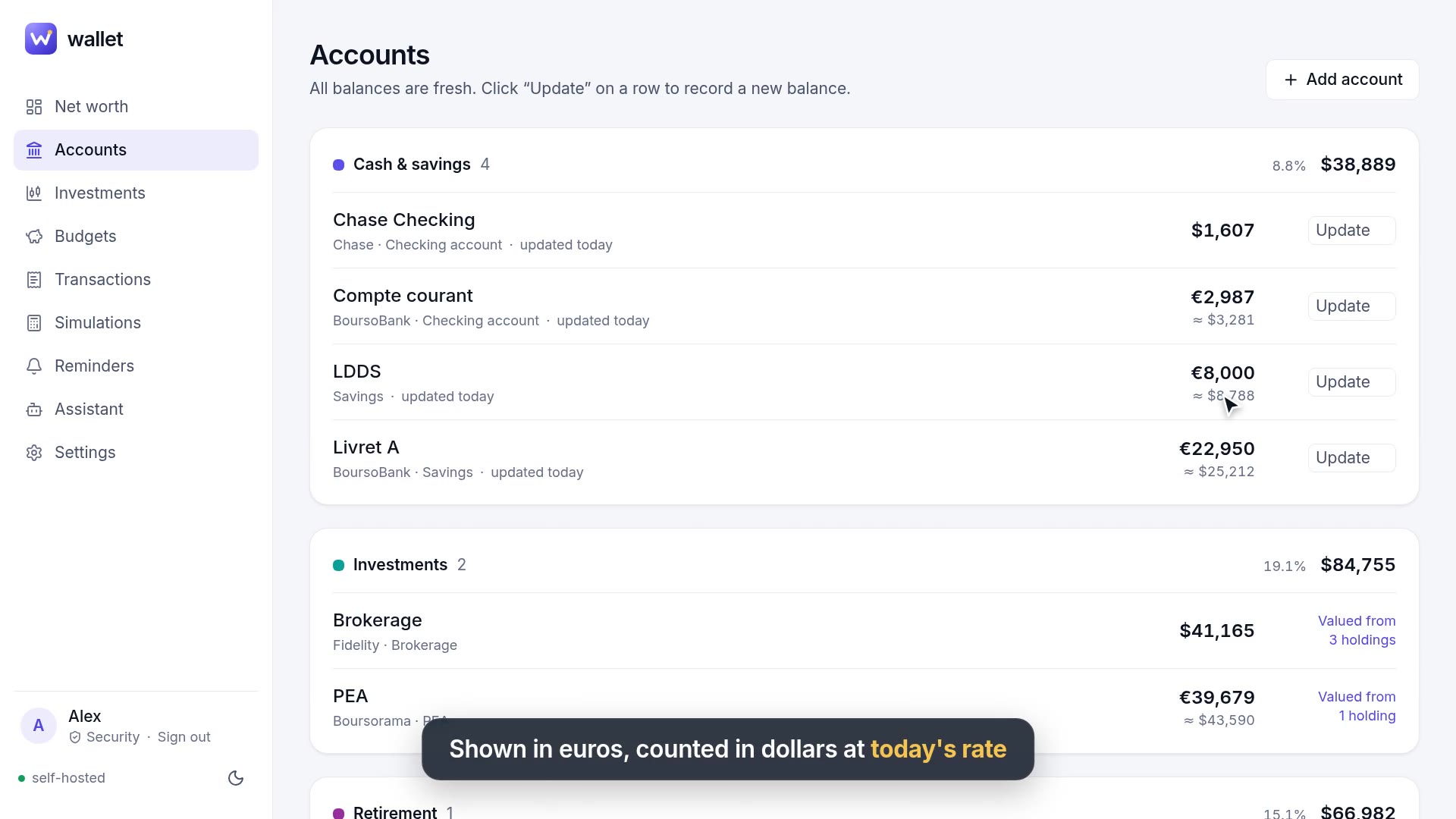 AccountsEvery account in its own currency, loans that amortize themselves.
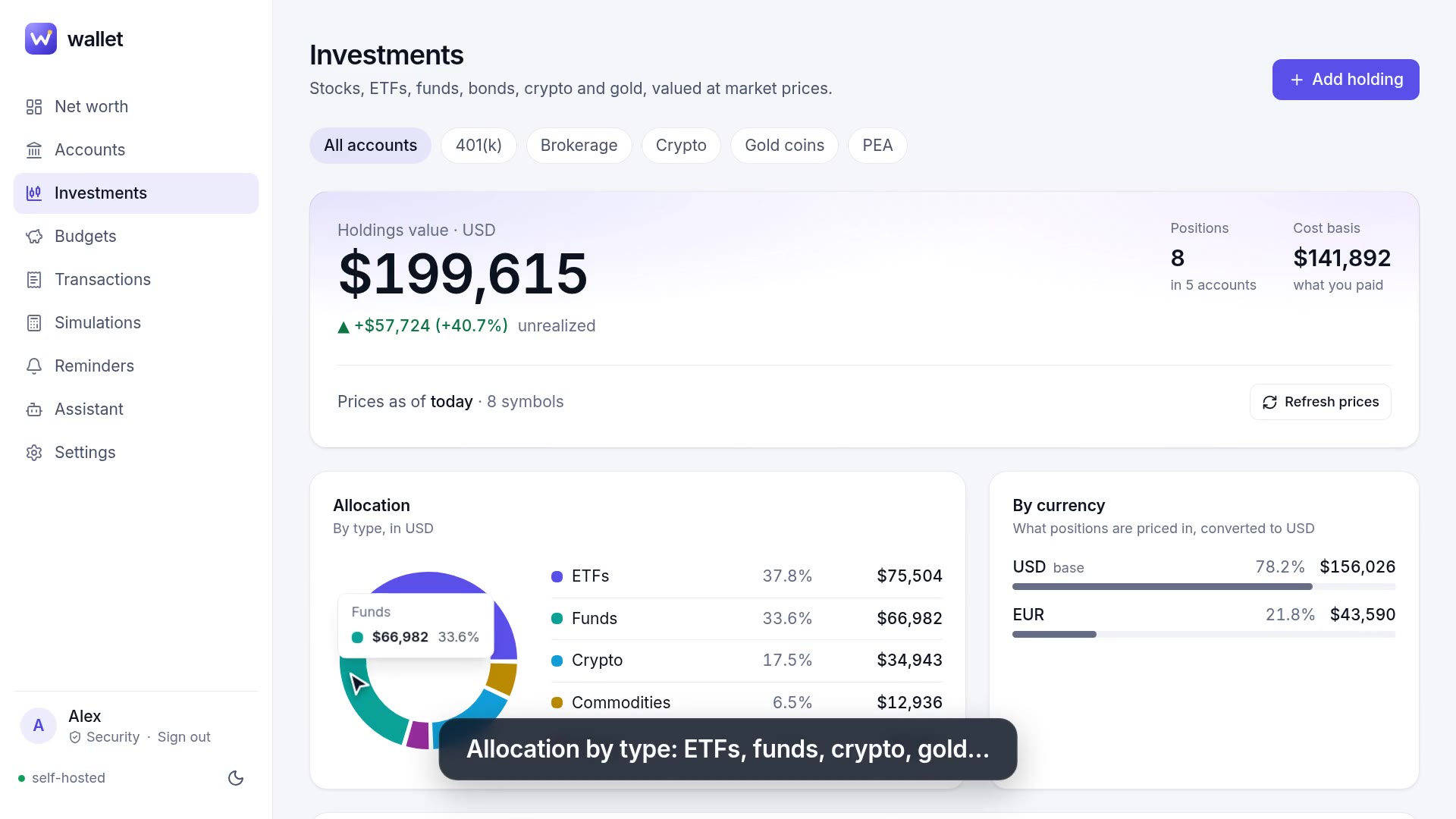 InvestmentsHoldings at daily market prices, gains vs cost, allocation.
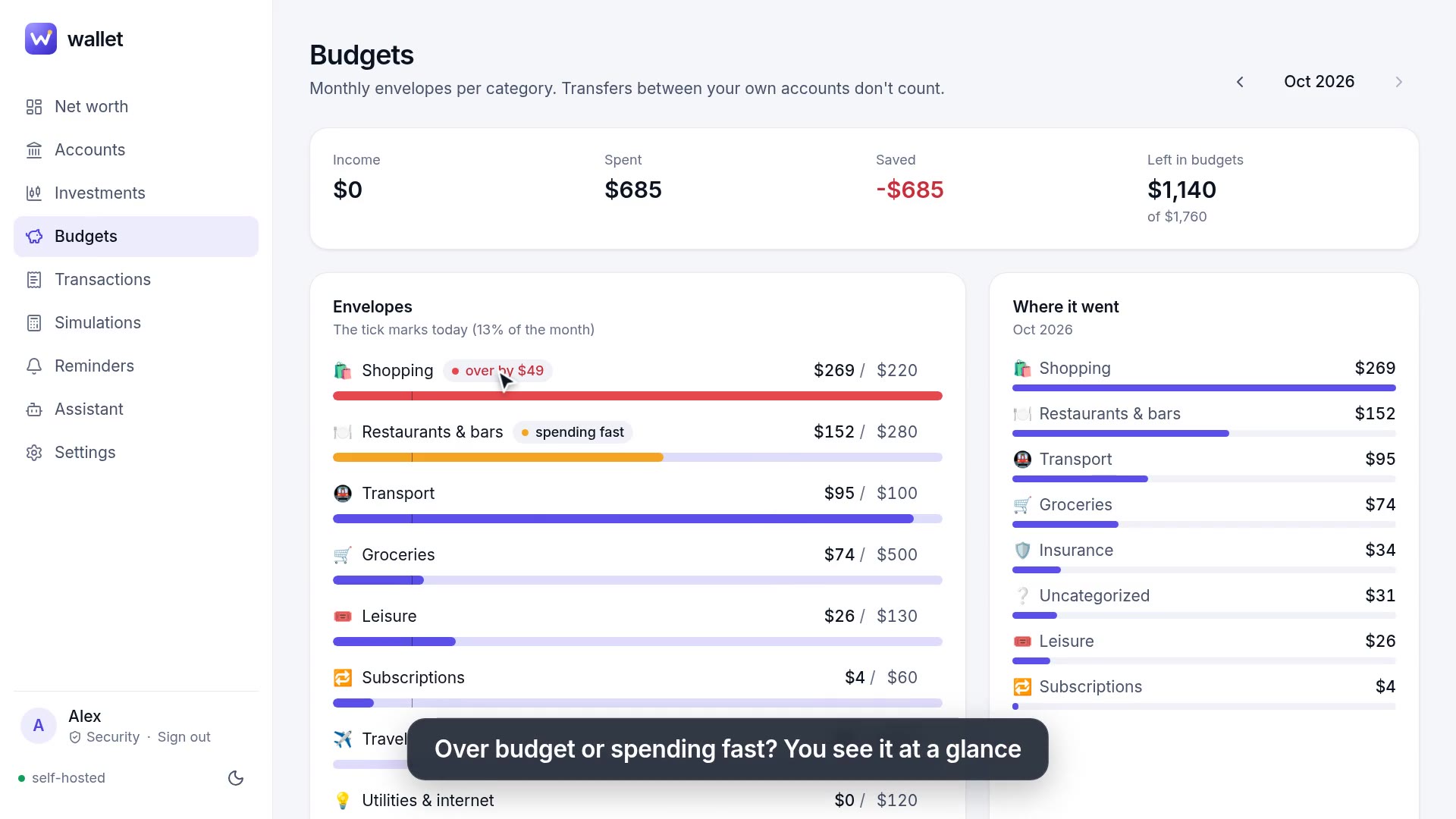 BudgetsMonthly envelopes with a pace marker and savings rate.
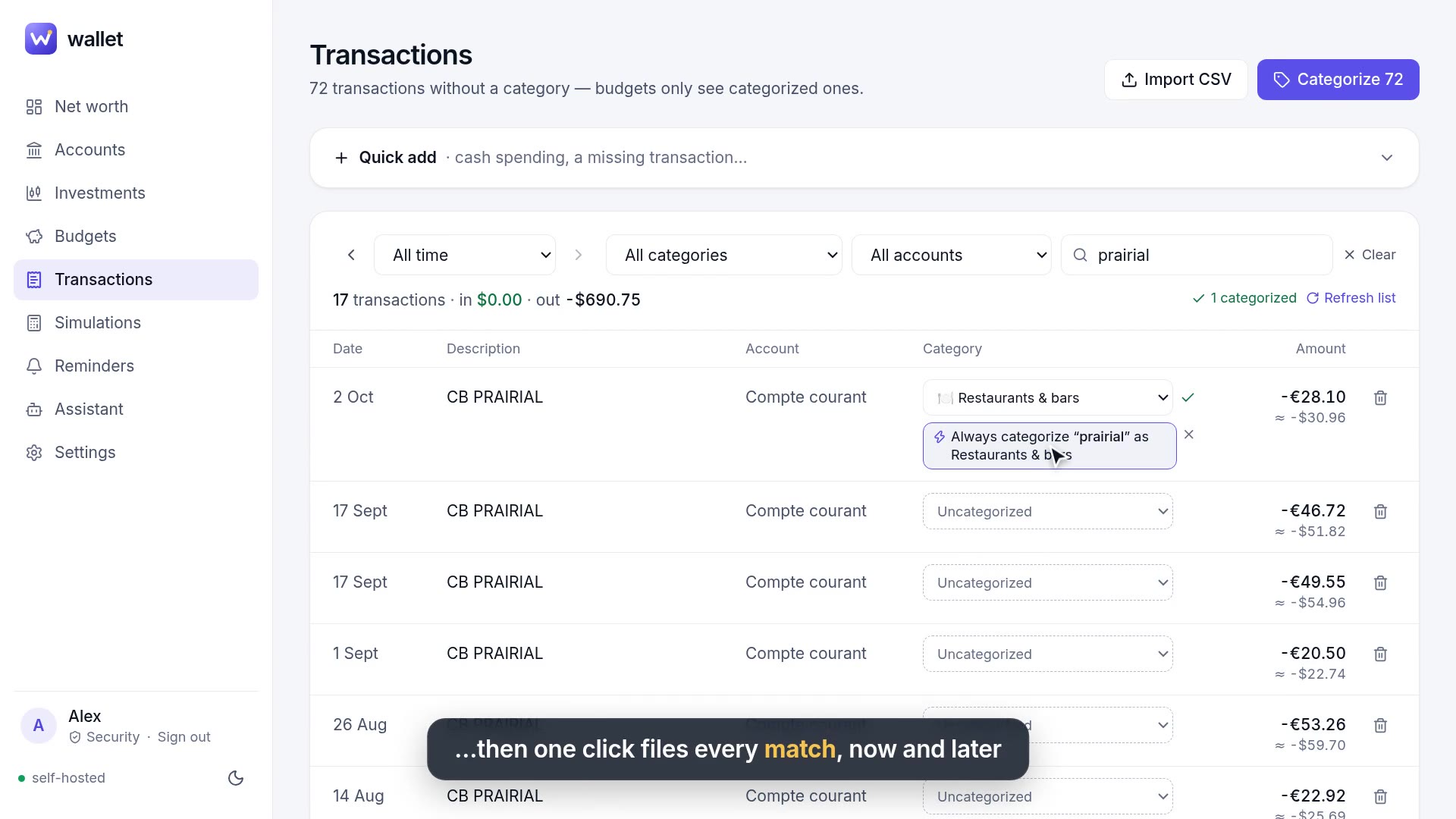 TransactionsCSV import wizard, duplicate-safe, one-click rules.
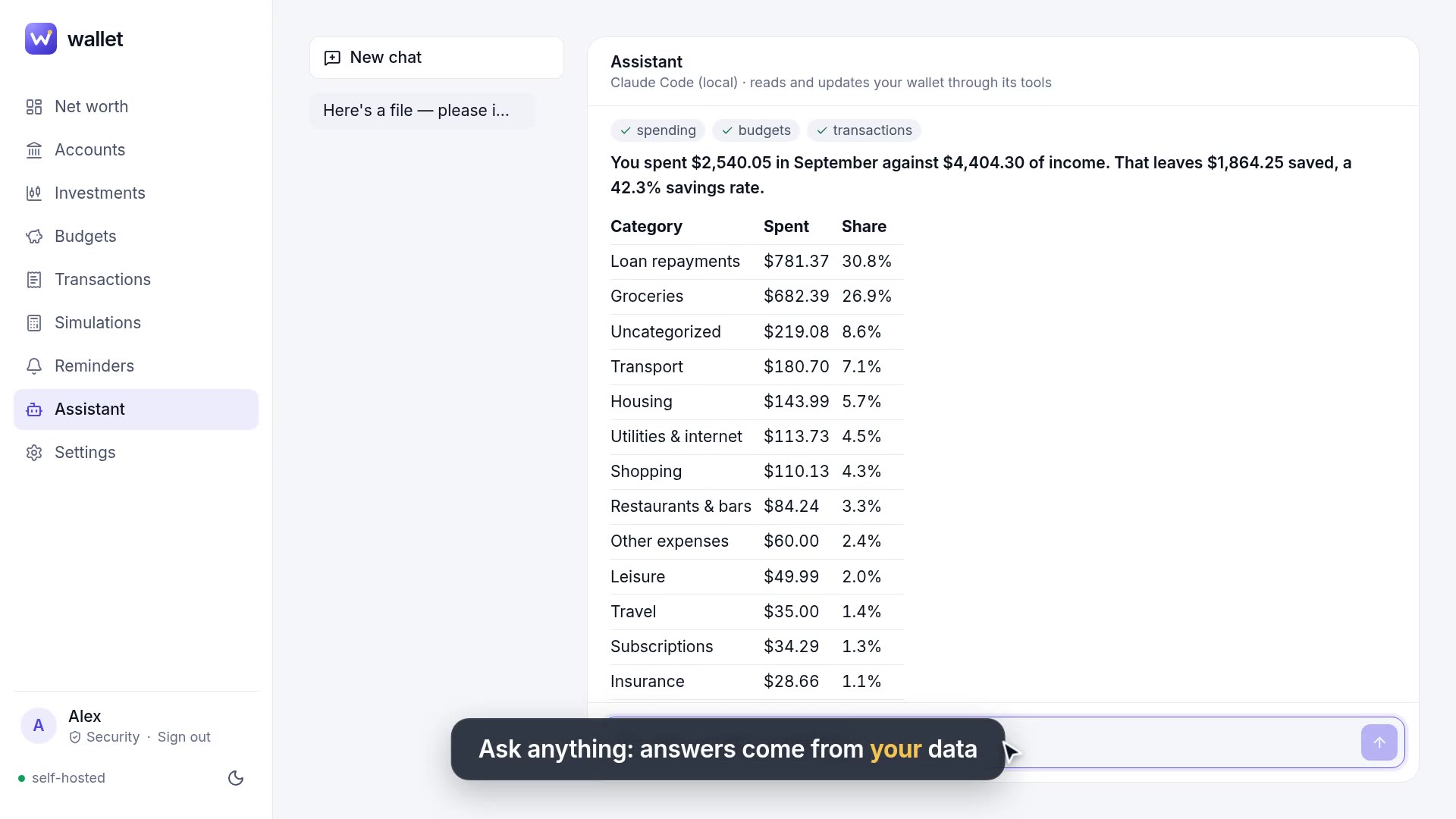 AssistantAsk questions, drop statements, let it do the data entry.
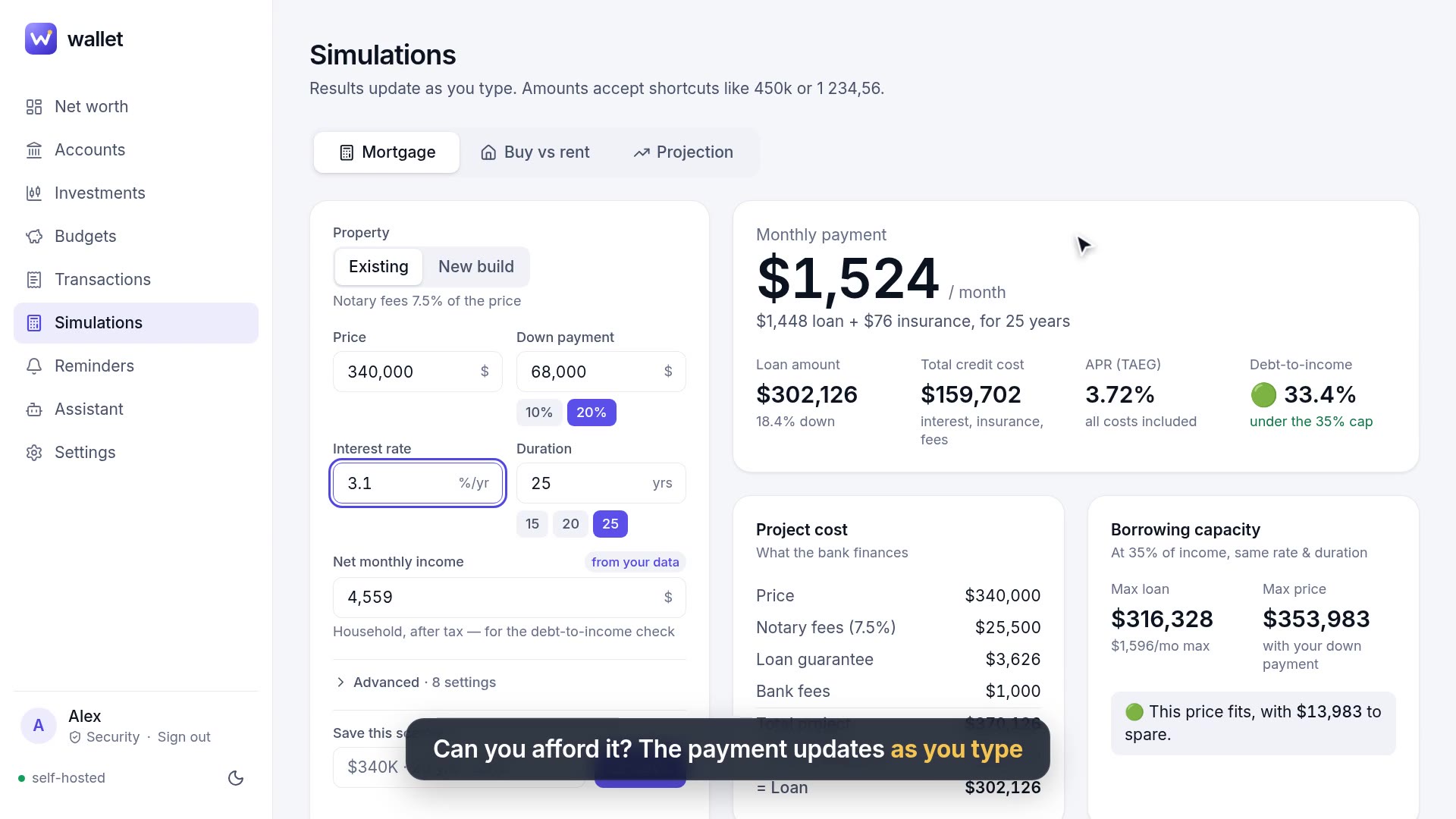 SimulationsMortgage, buy vs rent, and a Monte Carlo net worth projection.
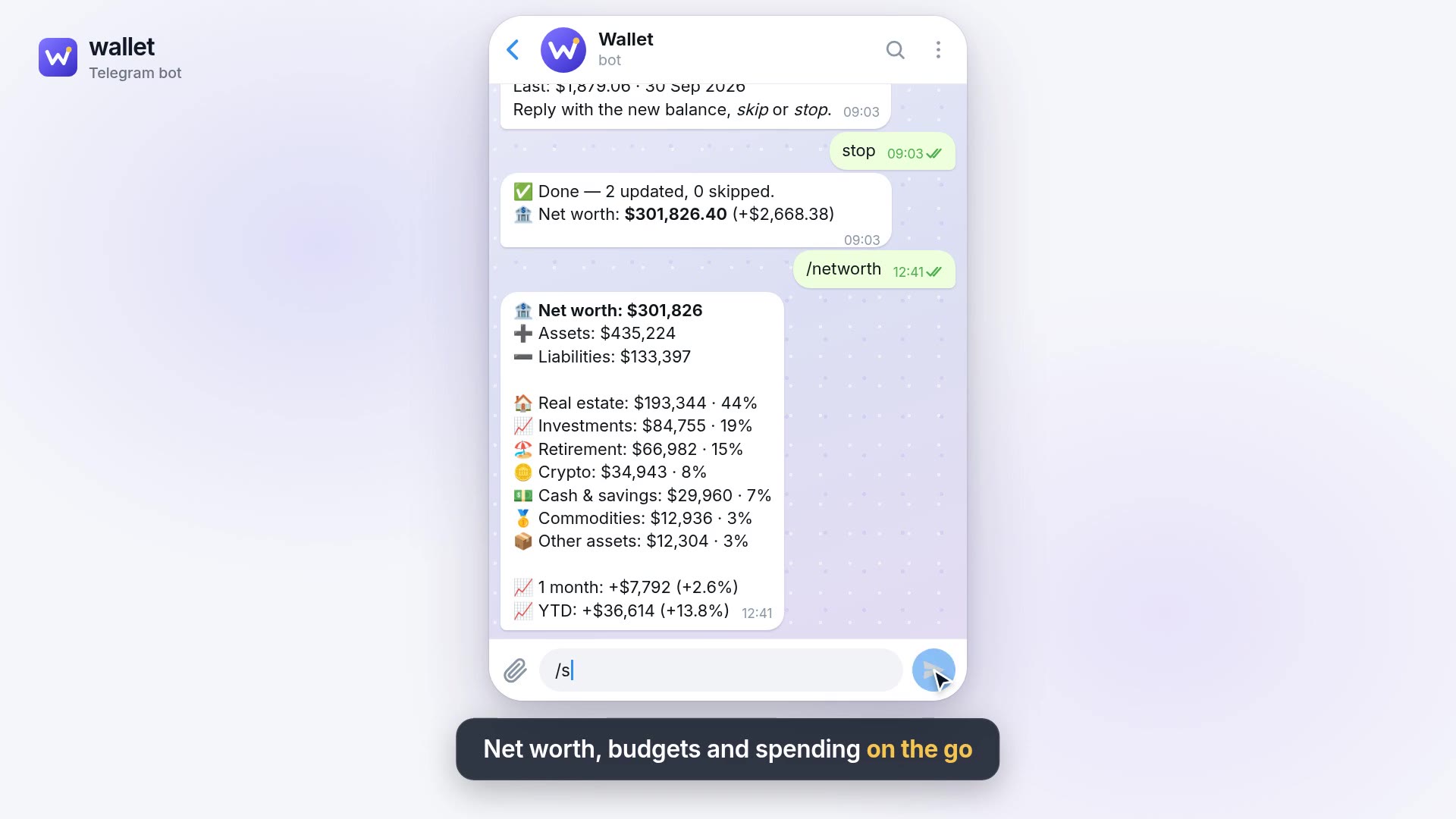 Reminders & TelegramReminders that nag until done; update balances in a chat.
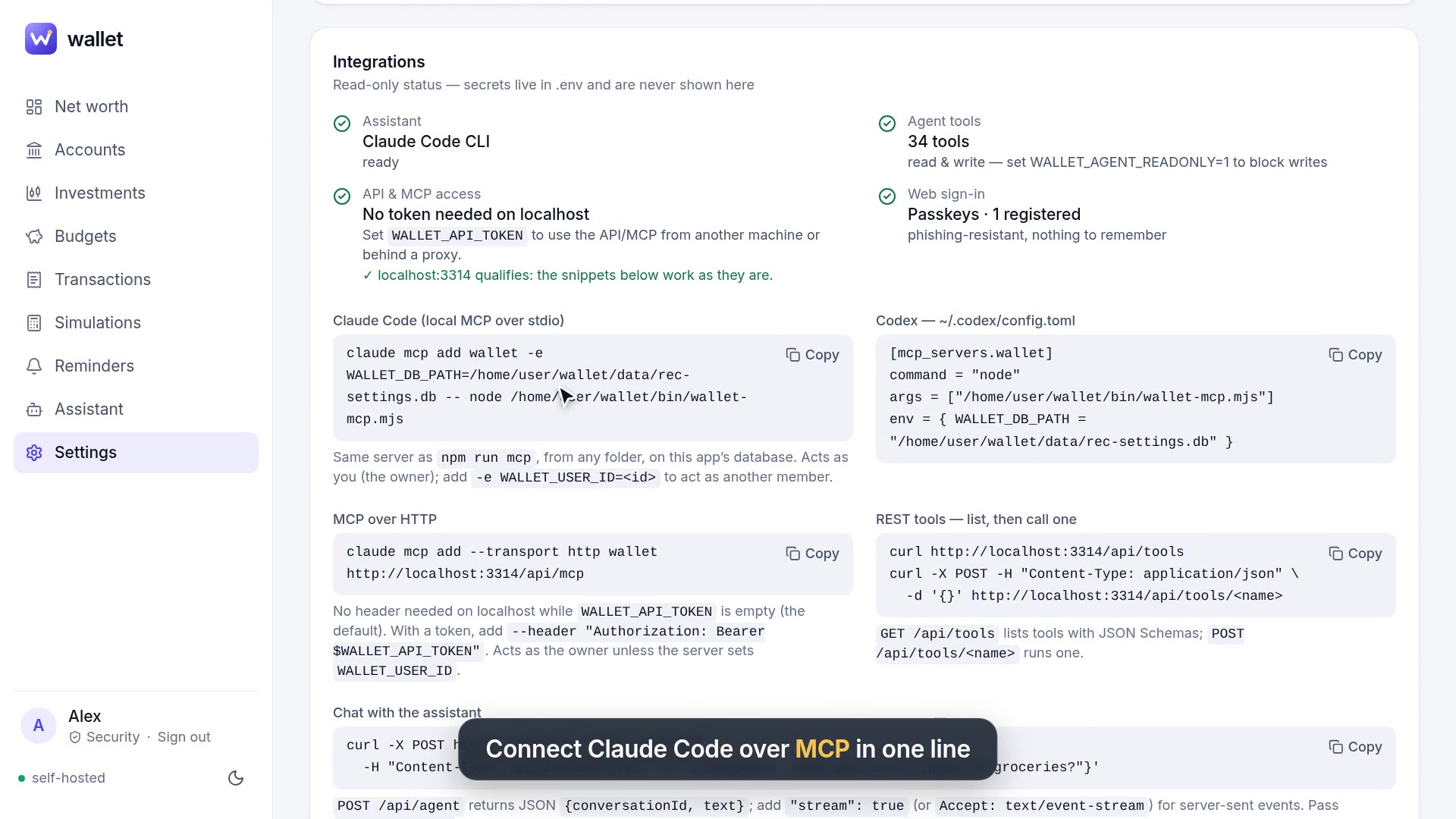 SettingsCurrency, passkeys, Telegram, rules, integrations, export.
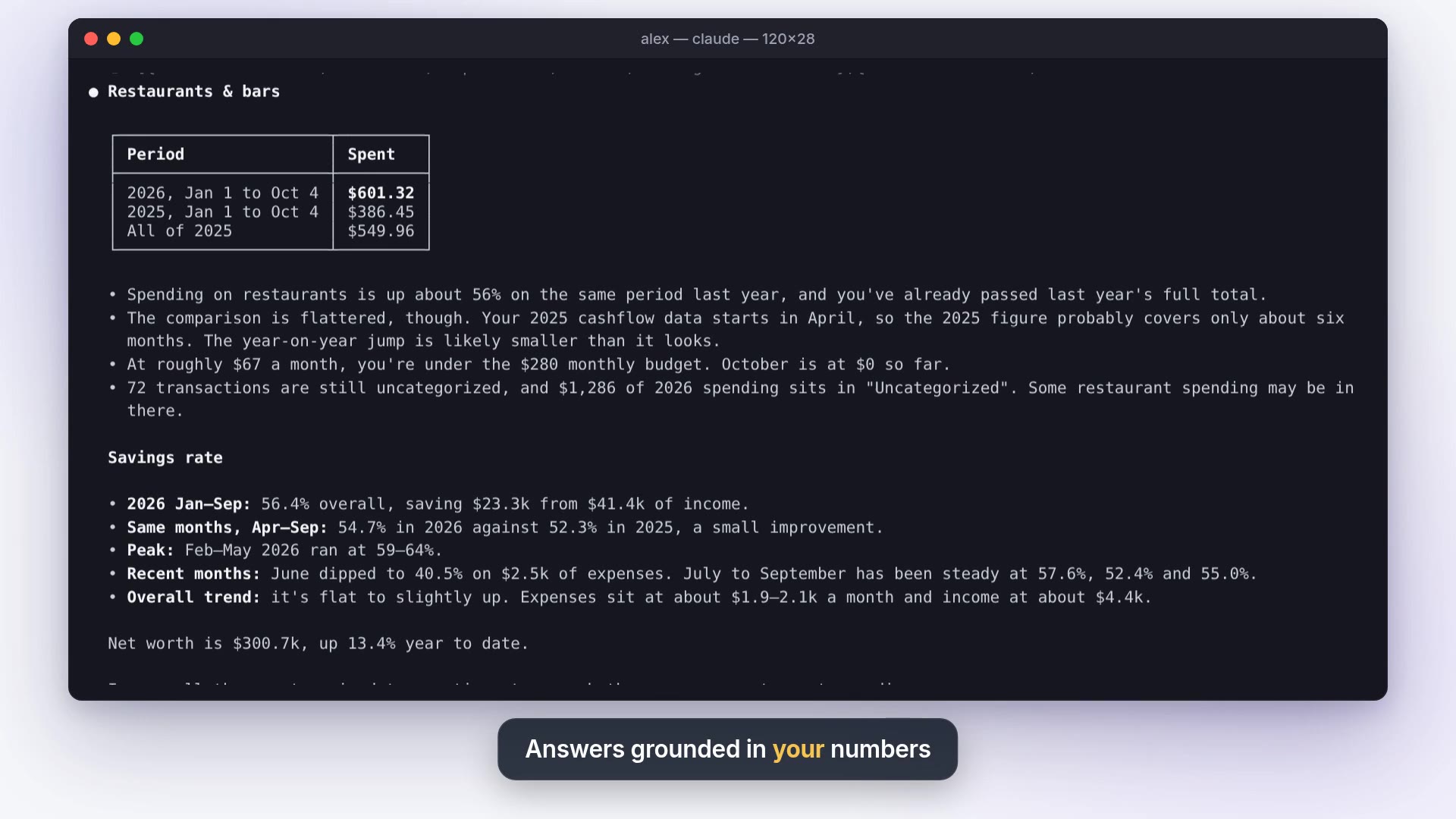 MCP & APIYour wallet as an MCP server and a REST API.
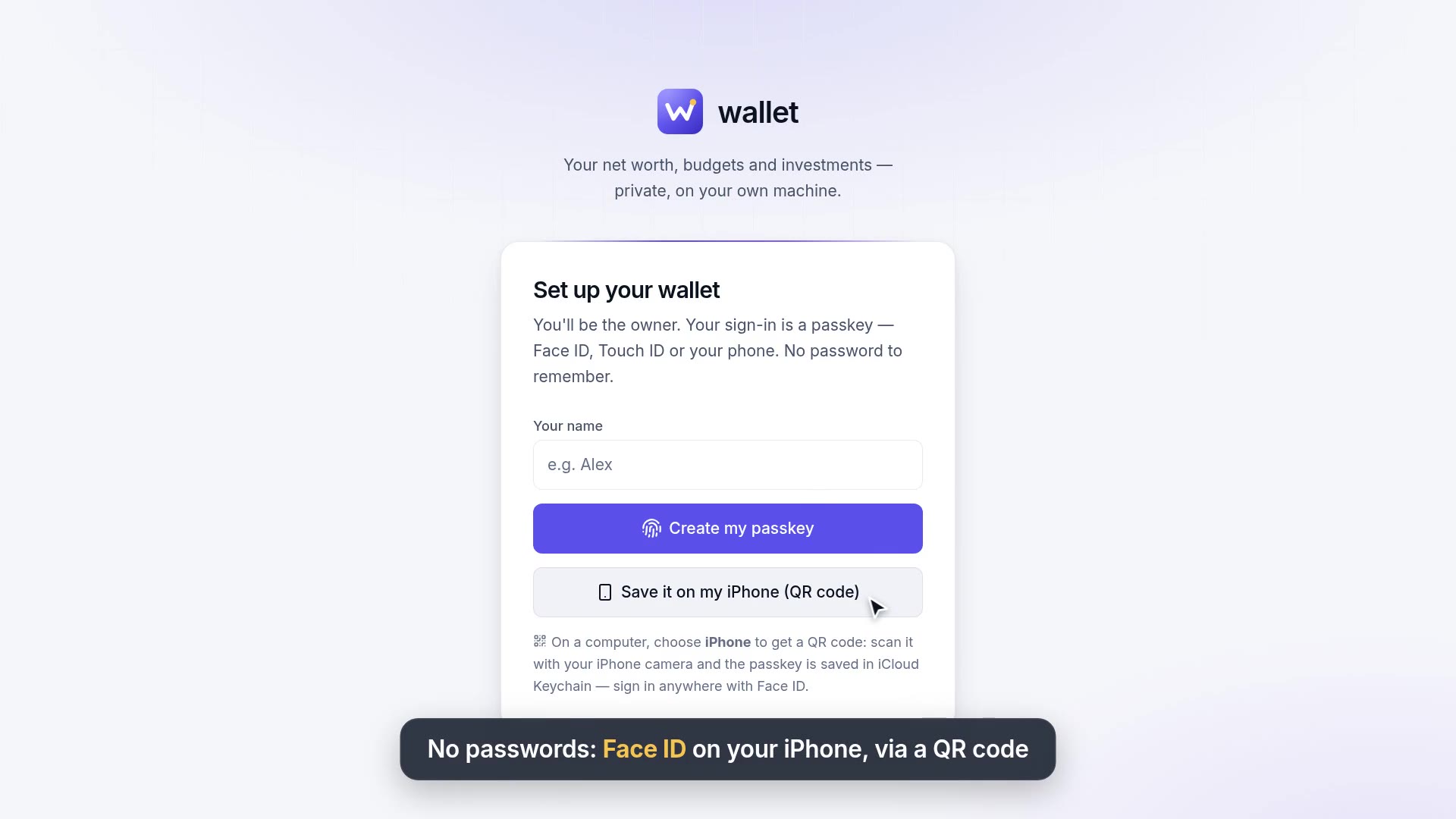 Sign-upPasskey sign-up, from this device or an iPhone.
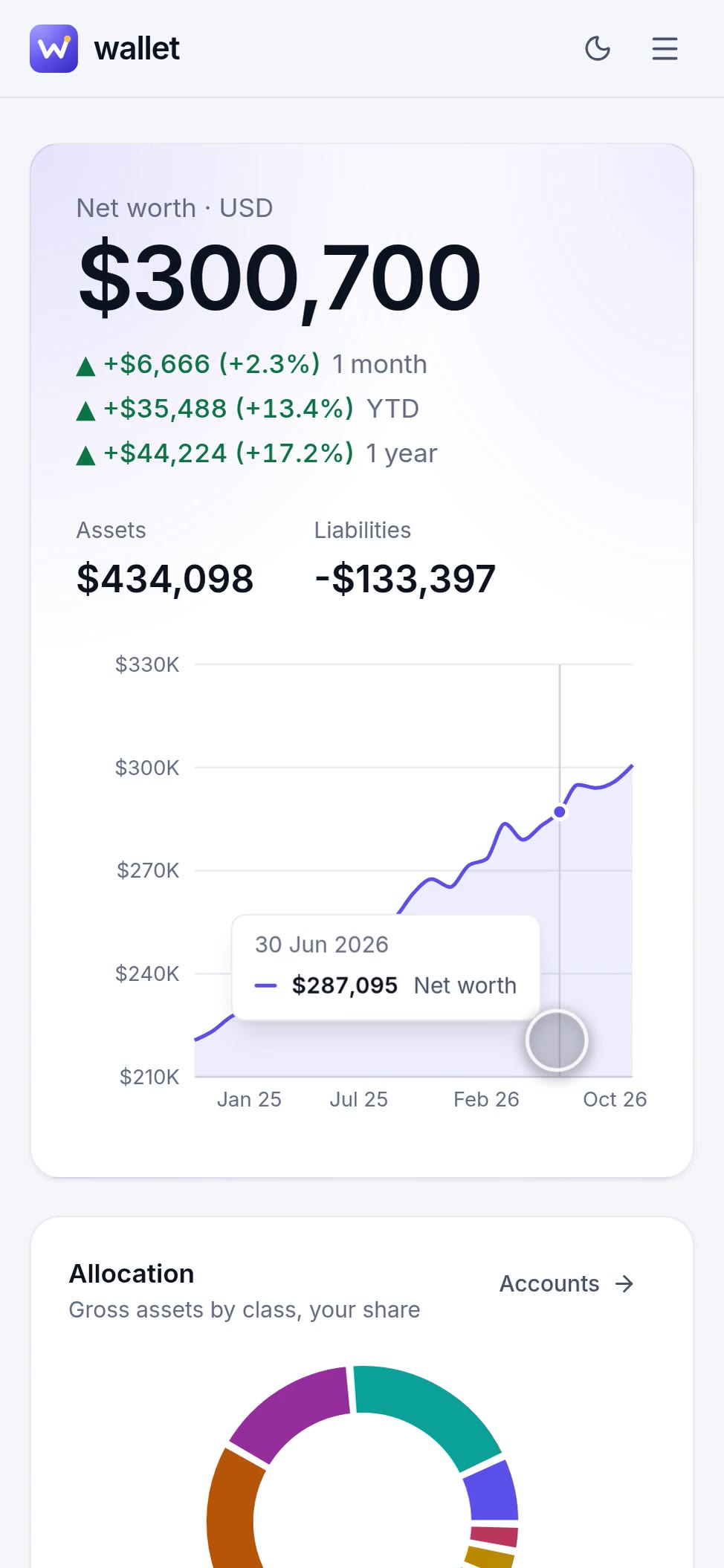 MobileEvery page on your phone; installable, Face ID sign-in.
Why wallet
Private
Everything lives in one SQLite file on your machine. No account with us, no tracking, no cloud. Back it up by copying a file.
Self-hosted
npm run dev, or docker compose up. Sign in with a passkey (Face ID, Touch ID, or your iPhone via QR code). No passwords.
Any currency
Each account keeps its own currency: 200+ fiat currencies plus BTC, ETH and gold. Totals use free daily rates, no API key.
AI that does things
36 tools for reading, simulating and writing your data, shared by the chat, Telegram, an MCP server and a REST API.
No bank sync needed
Drop a CSV or PDF statement, or a screenshot, anywhere in the app or on the Telegram bot. The assistant imports it.
Open source
MIT licensed TypeScript: Next.js, React and SQLite, with tests. Read every line that touches your money, and change it.
The monthly routine it's built around
- Telegram pings you on the 1st. Tap Update balances now and answer one number per account. Investment accounts update themselves from market prices, and mortgages amortize on their own. (Reminders & Telegram)
- Drop last month's statement (CSV or PDF) anywhere in the app, or send it to the bot. The assistant reads it, imports the transactions, skips duplicates and categorizes them. (Assistant)
- Ask what changed: "Where did my money go this month?" Every answer comes from your own data through the same tools you can call over MCP or HTTP. (Agent tools)
Up and running in two commands
npm install && npm run dev